





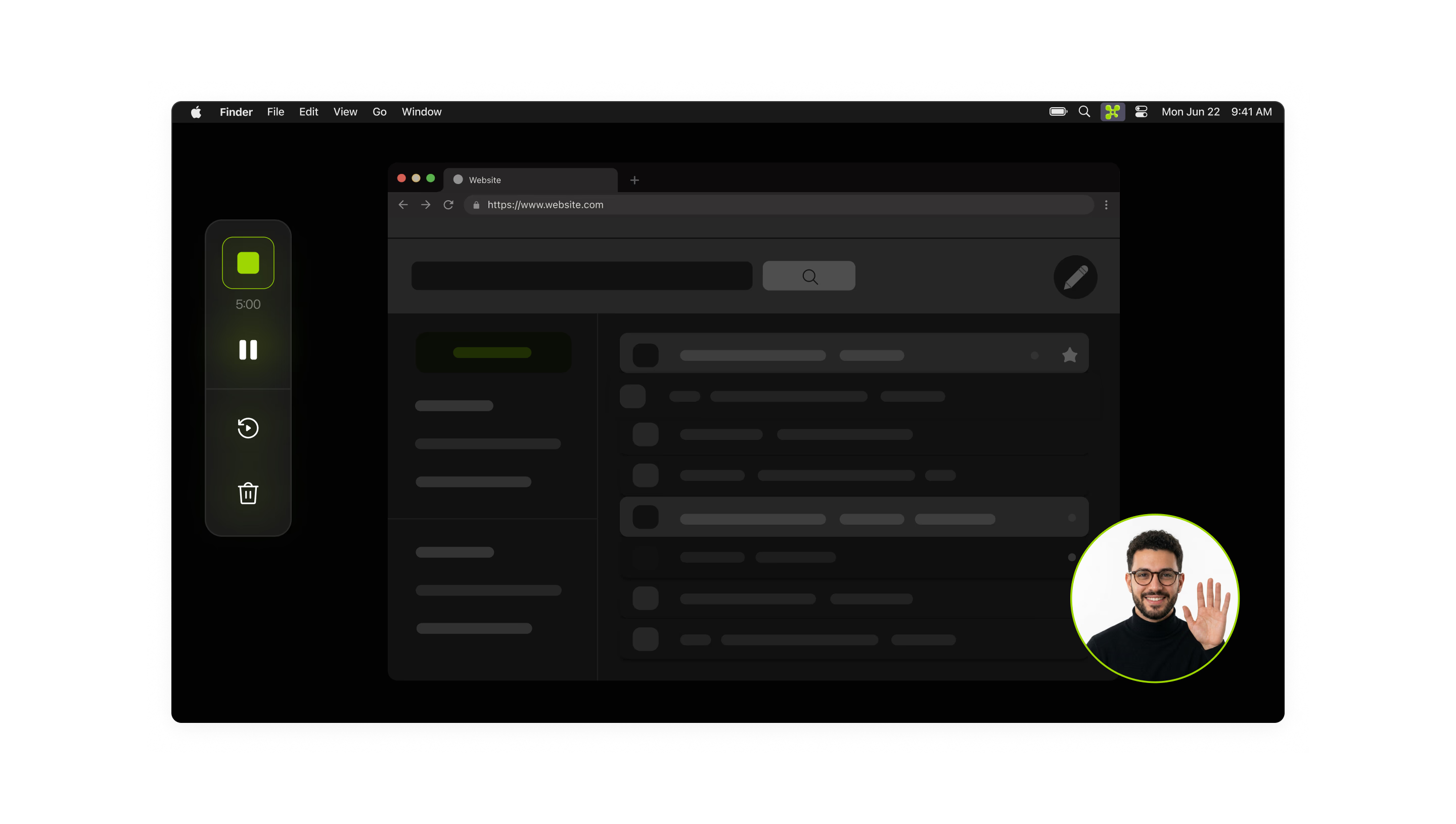
Screen
Full screen


Camera
Off


Microphone
MacBook Pro Microphone


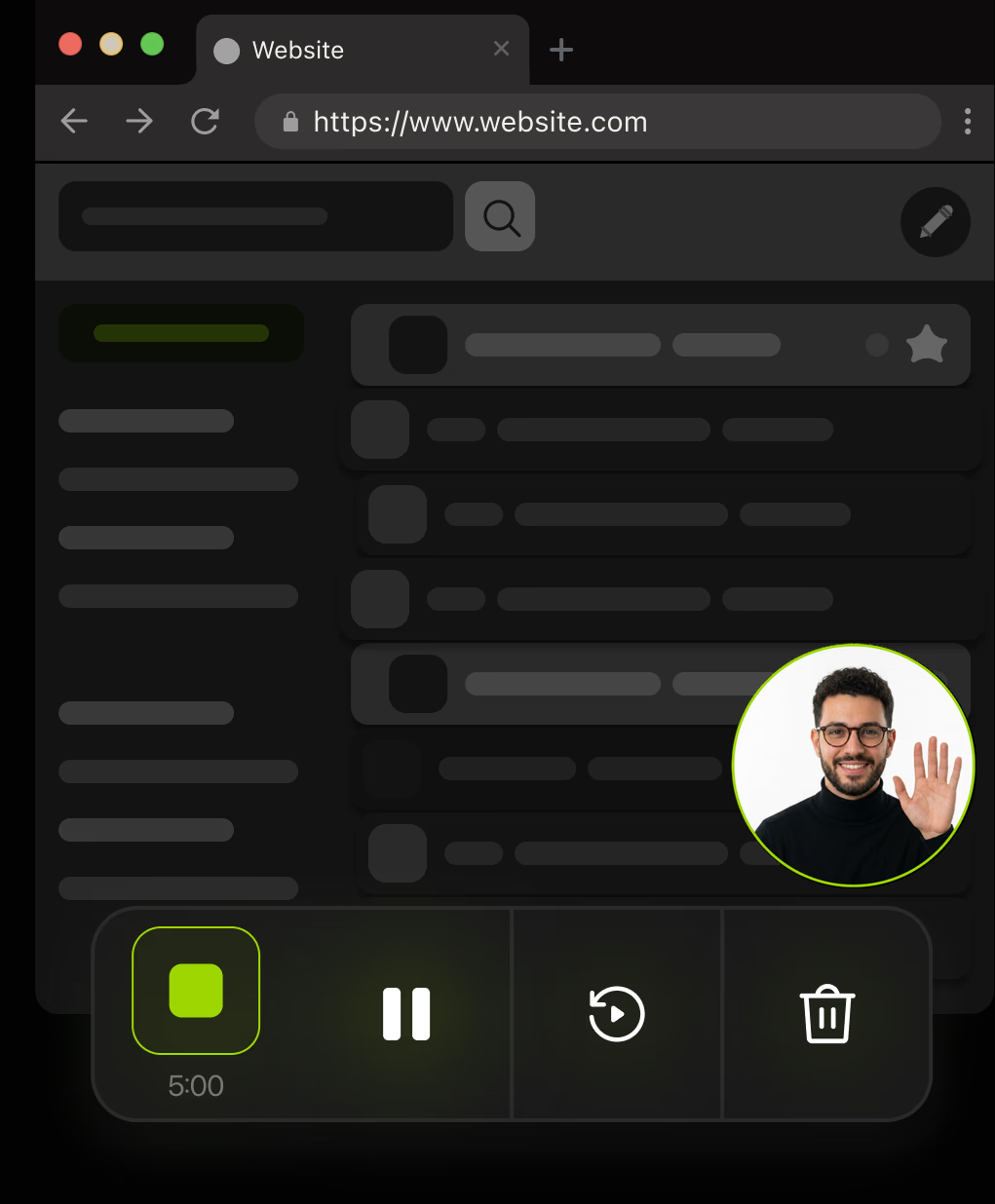
Give your videos a voice, boost their quality, and manage your recordings with ease.
Download for freeRecord your screen with light speed
Edit smarter, not harder
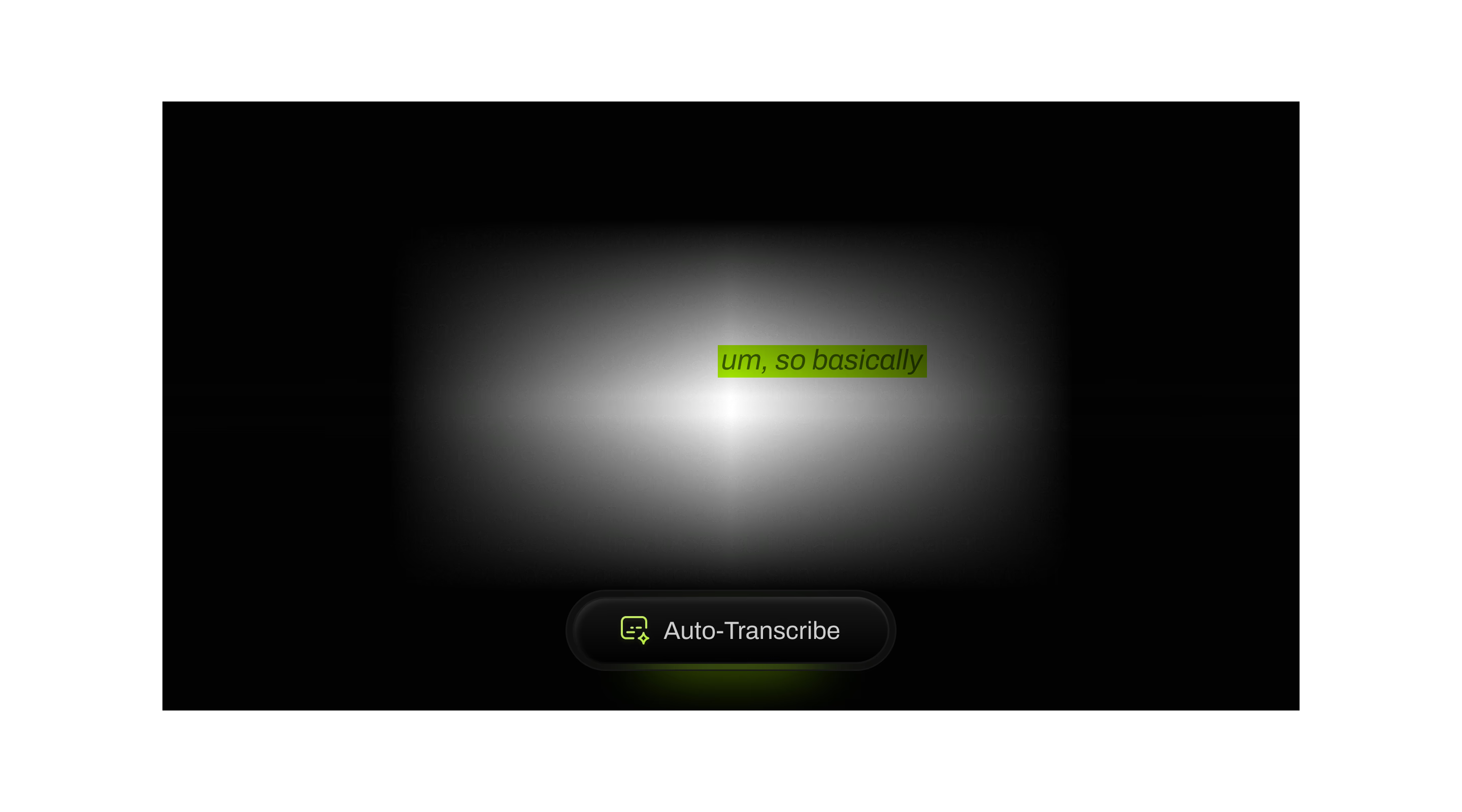

 Auto-Transcribe
Every recording, transcribed automatically with AI.
Make every second count
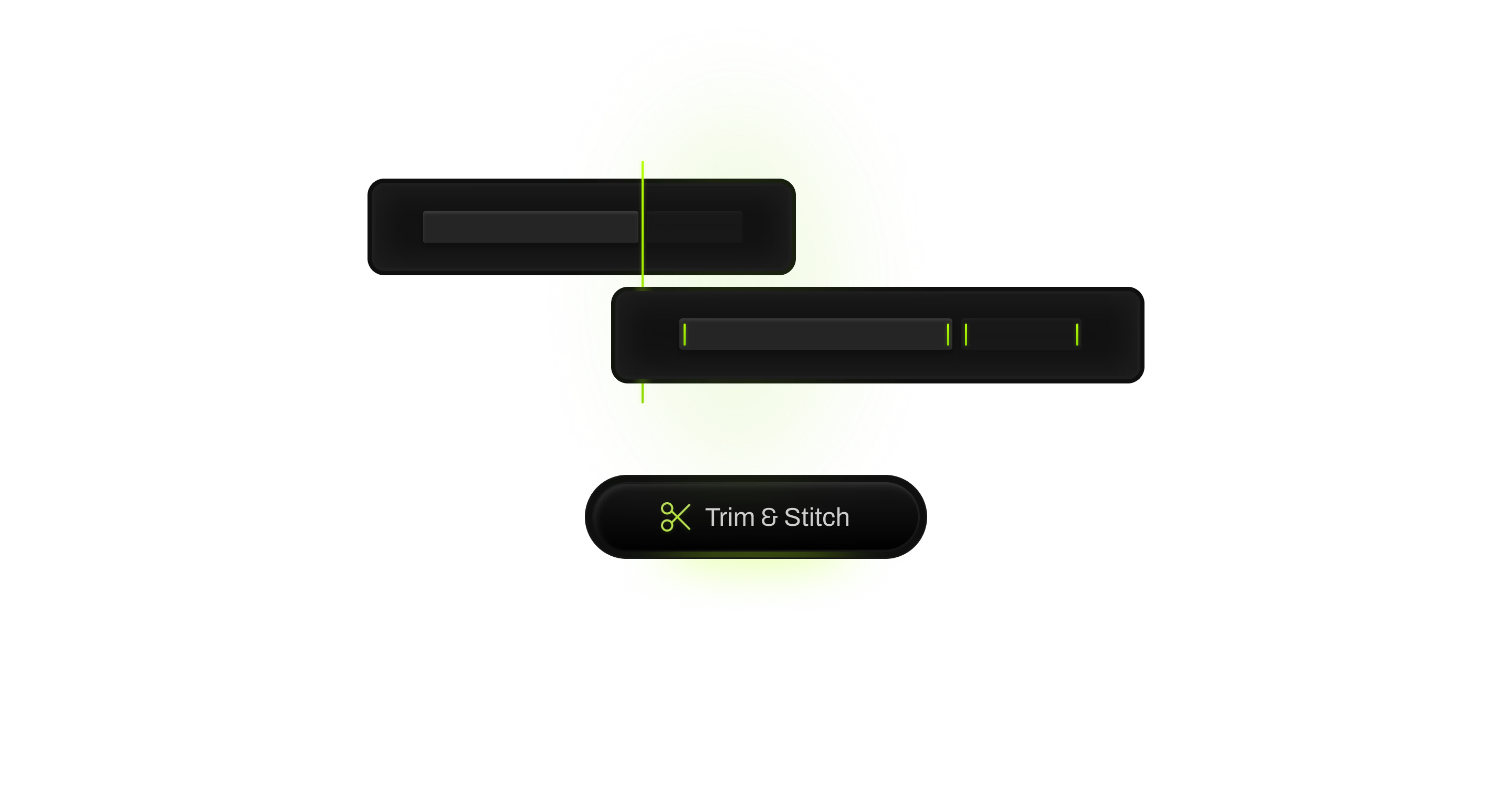


 Trim & Stitch
Trim your footage and stitch multiple clips together seamlessly.
No language barriers
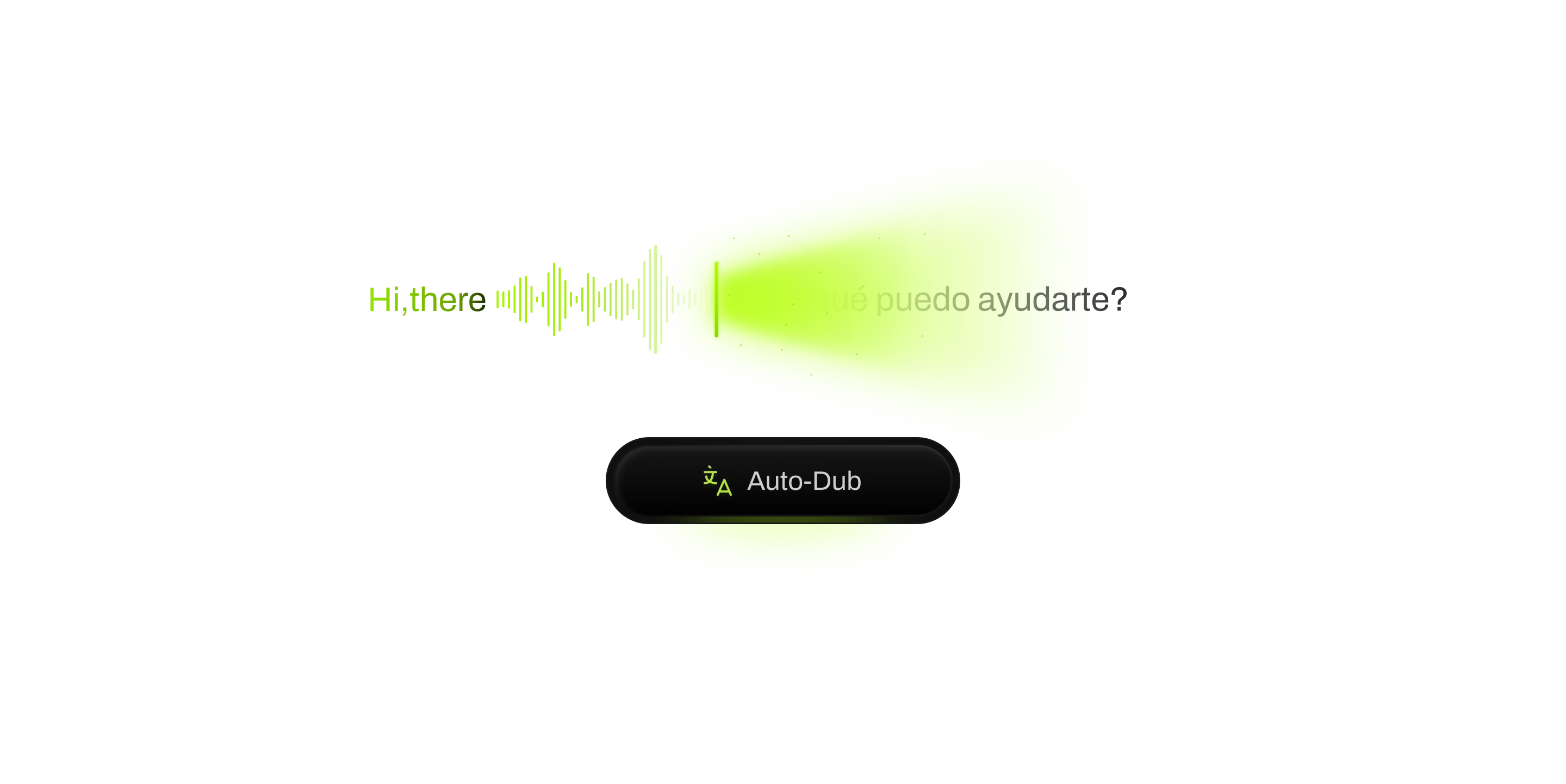



 Auto-Dub
Dub your recordings into any language with AI.
Coming soon
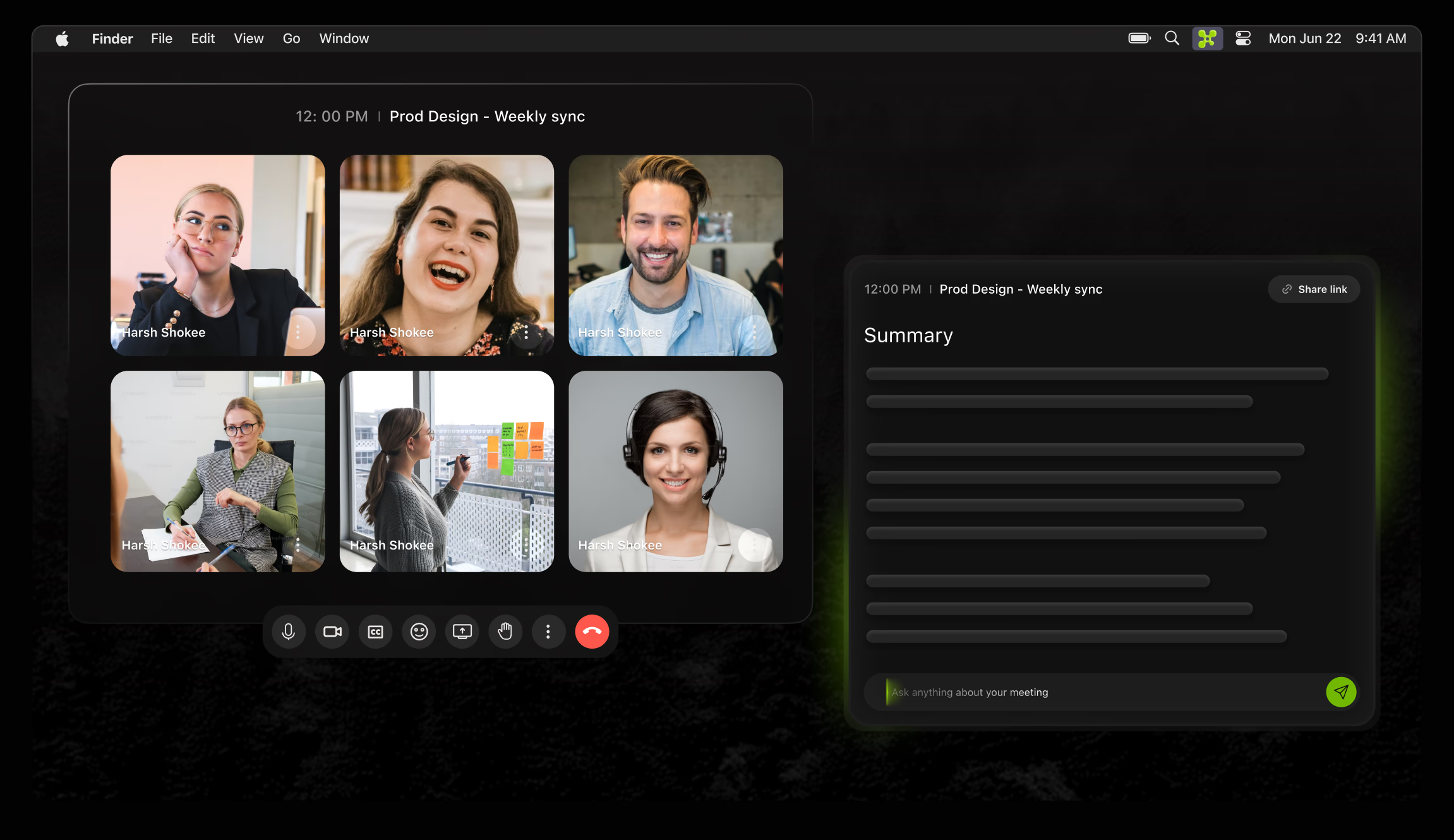
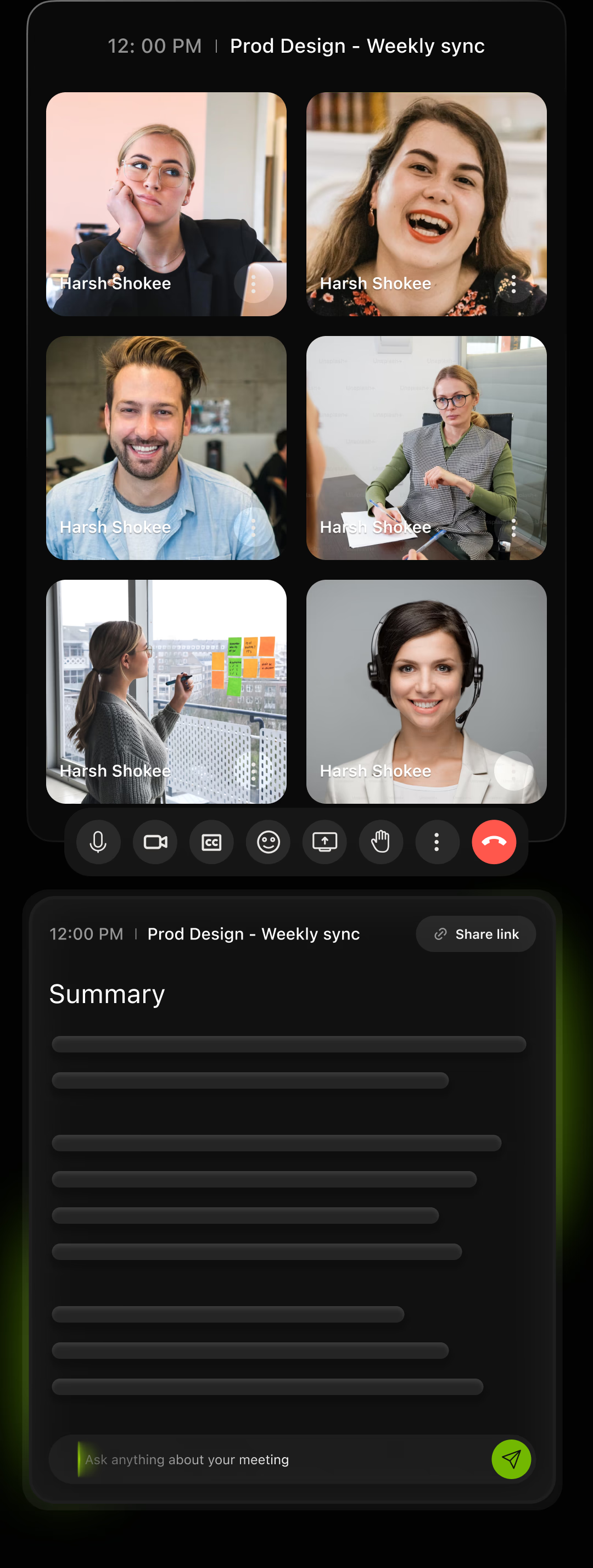
Record your meetings with AI summary
Automatic Recording
Focuscap records your meetings without manual intervention
Concise Summaries
Every key point is captured and organized for easy reference.
Action Items Listed
All next steps are automatically identified and compiled.